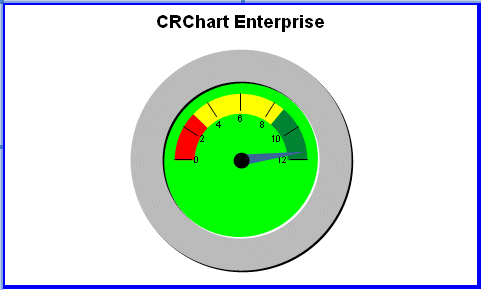
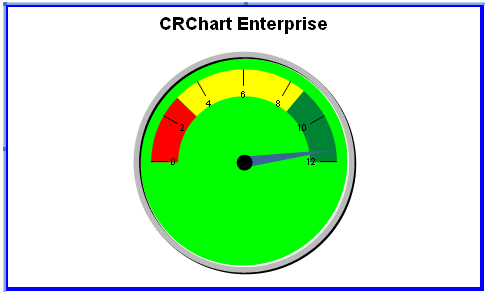
When gauge style is enabled (@GAUGE_STYLE 1), this macro controls the thickness of the gauge border.
SYNTAX:
@GAUGE_BORDER_THICKNESS nThickPARAMETERS:
nThick; 0...100 selects the thickness of the border, as a percentage of the overall possible thickness. 0=Single Line, 100=All Border.
EXAMPLE: @GAUGE_BORDER_THICKNESS.RPT
@GAUGE_BORDER_STYLE 3

@GAUGE_BORDER_THICKNESS 50
@GAUGE_BORDER_STYLE 3

@GAUGE_BORDER_THICKNESS 10
PERSISTENT:
NO
REQUIREMENTS:
- Crystal Reports 9 or higher
NOTES:
This macro will automatically enable the high-quality drawing engine (@HQ 1).
Next Macro
 Previous Macro
Return to Alpha List
Previous Macro
Return to Alpha List
Next Macro in this Group
Previous Macro in this Group
Return to Group List